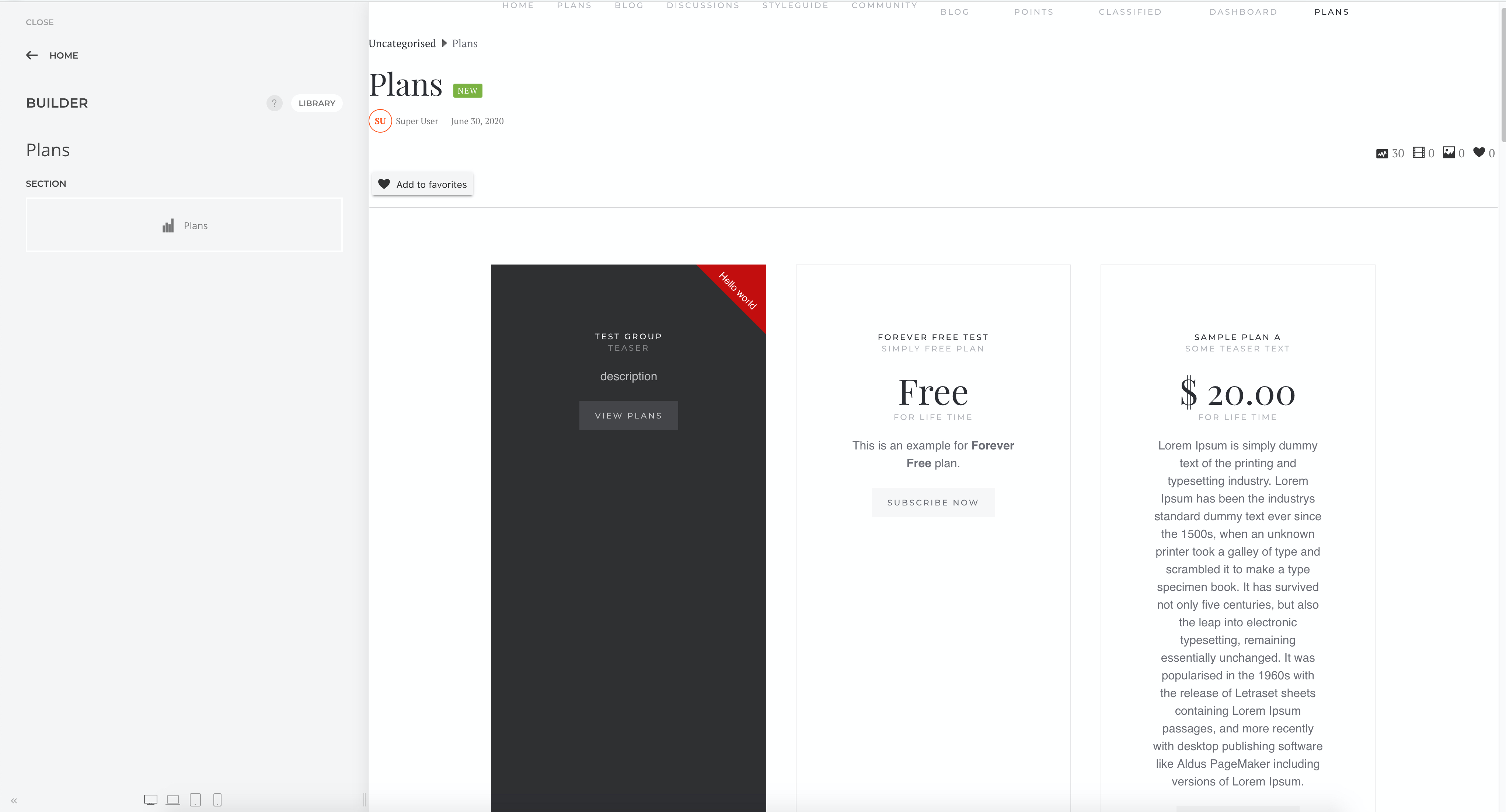
With PayPlans 4.2, you can now integrate PayPlans with Yootheme Pro's Builder functionality. This allows you to drag and drop the plan element when you are building your pages.
Setting Up
As there is no way currently for us to build installers for elements in Yootheme, the setup does not use any installation packages. You will need to follow the steps below:
Download the
Plans elementfor Youtheme Pro here.Extract the archive and upload the folder into your Yootheme child theme's
builderfolder.Configure Yootheme to use the child theme under
Settings>Advancedif you have not already configured it to do so.
Save the settings.
Clear the cache in Yootheme Pro under
Settings>Advancedand click on the buttonClear CacheProceed to the
Buildersection and you can now add the newPlanselement