The EasySocial File Storage Limit app manages the maximum upload storage limit in EasySocial according to user subscription.
Setup Easysocial File Storage Limit
Navigate to and create a new instance of this app at PayPlans > Apps > New > EasySocial File Storage Limit.
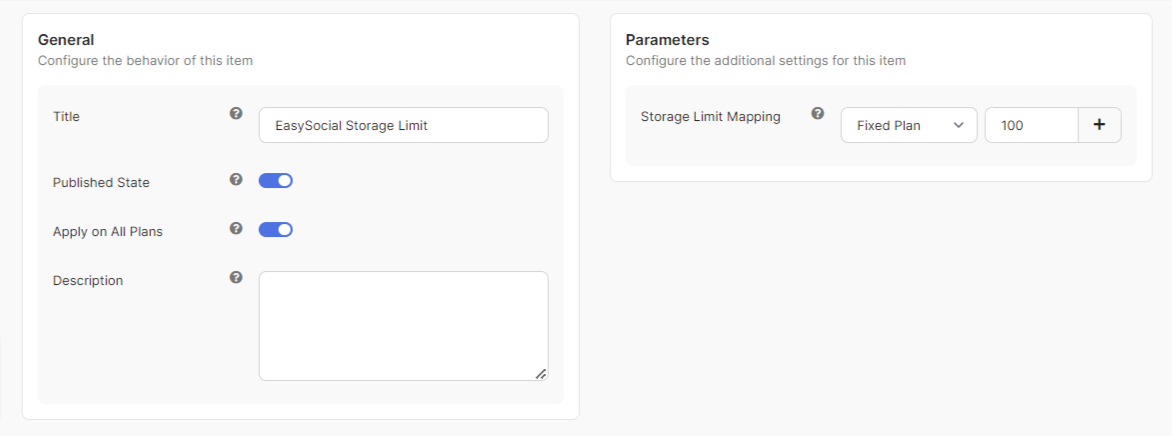
Assign this instance to all plans using the Apply on All Plans setting or select a specific plan if you want to assign this instance to a specific plan only.
The app will not take effect on plans that are not selectedStorage Limit Mapping allows you to map the plans on the site to the maximum file storage size limit.
Please specify the file storage size limit in MB (Megabytes) units.Create Multiple Plan Maps for Easysocial File Storage Limit
You can create multiple plan map settings in a single app.
