The blue Verified badge on EasySocial lets people know that an account of public interest is authentic. It means that the site admin has confirmed that the account is the authentic presence of the public figure, celebrity or brand it represents. The site admin also can use the verified badge to endorse or recognize a user based on their preferences.
A verified badge is a tool to help people to find the real accounts of a user, as a symbol to show importance, authority and subject matter expertise. Once verified, users cannot re-submit the application for second verification, but the site admin can remove the user's verification.
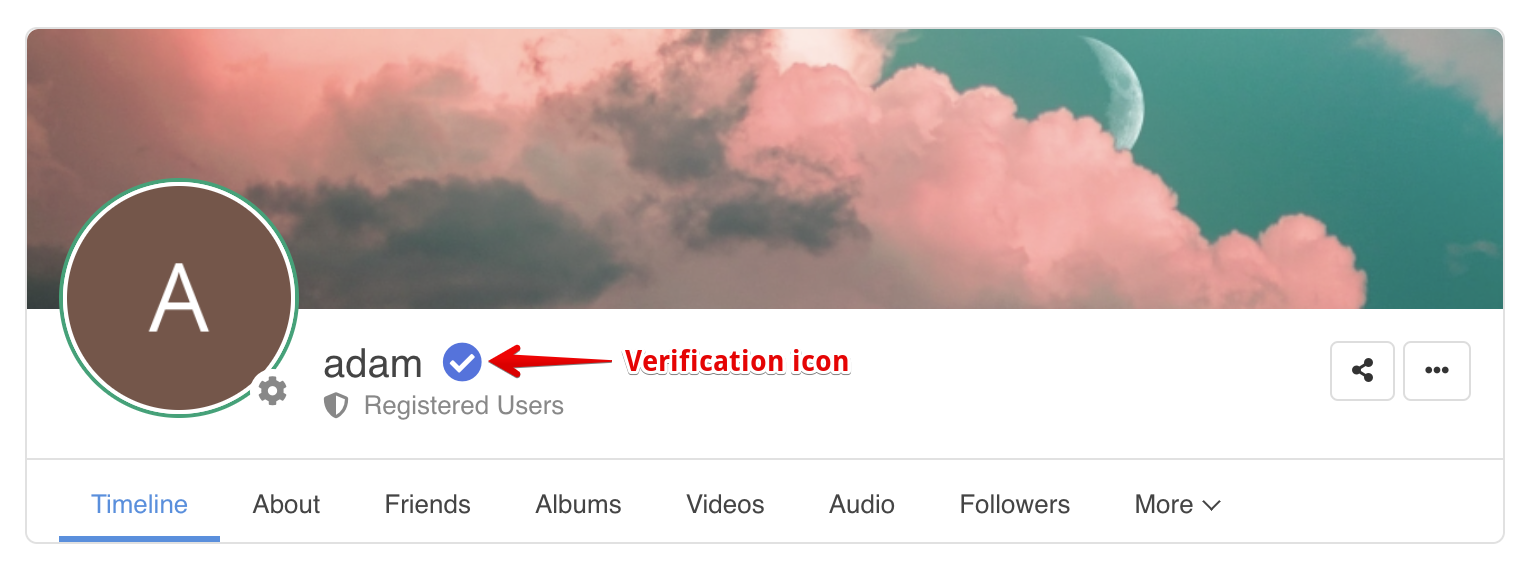
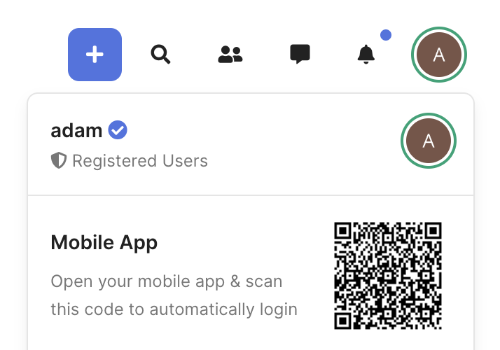
Below is an example of the verified badge being displayed on the site.
Verification Badge on Profile
Verification Badge on Stream Item

Verification Badge on Toolbar


How Do Users Request a Verification Badge
Users can submit their verification request themselves, given that you've enabled the verification feature on your site. Navigate to EasySocial > Settings > Users > General and locate the Enable Verified Accounts and Allow User To Request For Verification option. Make sure these options are turned on to allow users to submit their requests for verification.

Once these options are turned on, users are now able to submit their verification request from the site. Should the user wants to submit the verification request, they should navigate to the Request Verification option from the toolbar as shown below.

On this page, users should enter their verification request message by providing proof of identity or any reason that is according to the site preference.

Approving Verification Request
After the users have submitted their verification request, the site admin should receive a notification email in his inbox. The site admin shall then navigate to the EasySocial > Users > Verification section to review these applications. The site admin shall approve or reject the user's verification request based on their discretion.

The site admin can review the verification request message submitted by the users by clicking on the View Message link.

Users should receive a notification email of their request whether it has been approved or otherwise.