In GitHub V3 Rest API, it is now required to pass in authentication tokens in order to create new gist items from EasyDiscuss. To get this token, we will need to create an OAuth app so that we can retrieve the app Client ID and Client Secret Key that will be used during the app authentication. To do this, please follow the steps below.
Register and login to github.com
From the toolbar, click on your avatar image and click on 'Settings'.

In the settings page, click on 'Developer Settings'.

At the Developer Settings page, click on OAuth Apps tab from the left menu. Now, you should see the 'New OAuth App' button. Click on this button to create your new OAuth app.

Fill in all the input fields.

Remember to replace https://yourwebsite.com with your actual website url. Now, click on the Register application button to complete your app creation.
Once you've created your OAuth app, you will be redirected to your newly created app page. Copy the
Client IDandClient Secretand insert these details intoEasydiscuss > Settings > Composer > GitHub Intergration. Save your changes.

After saving your
Client IDandClient Secret, click on the Sign in with Github button and follow the popup window instructions to complete your authentication process.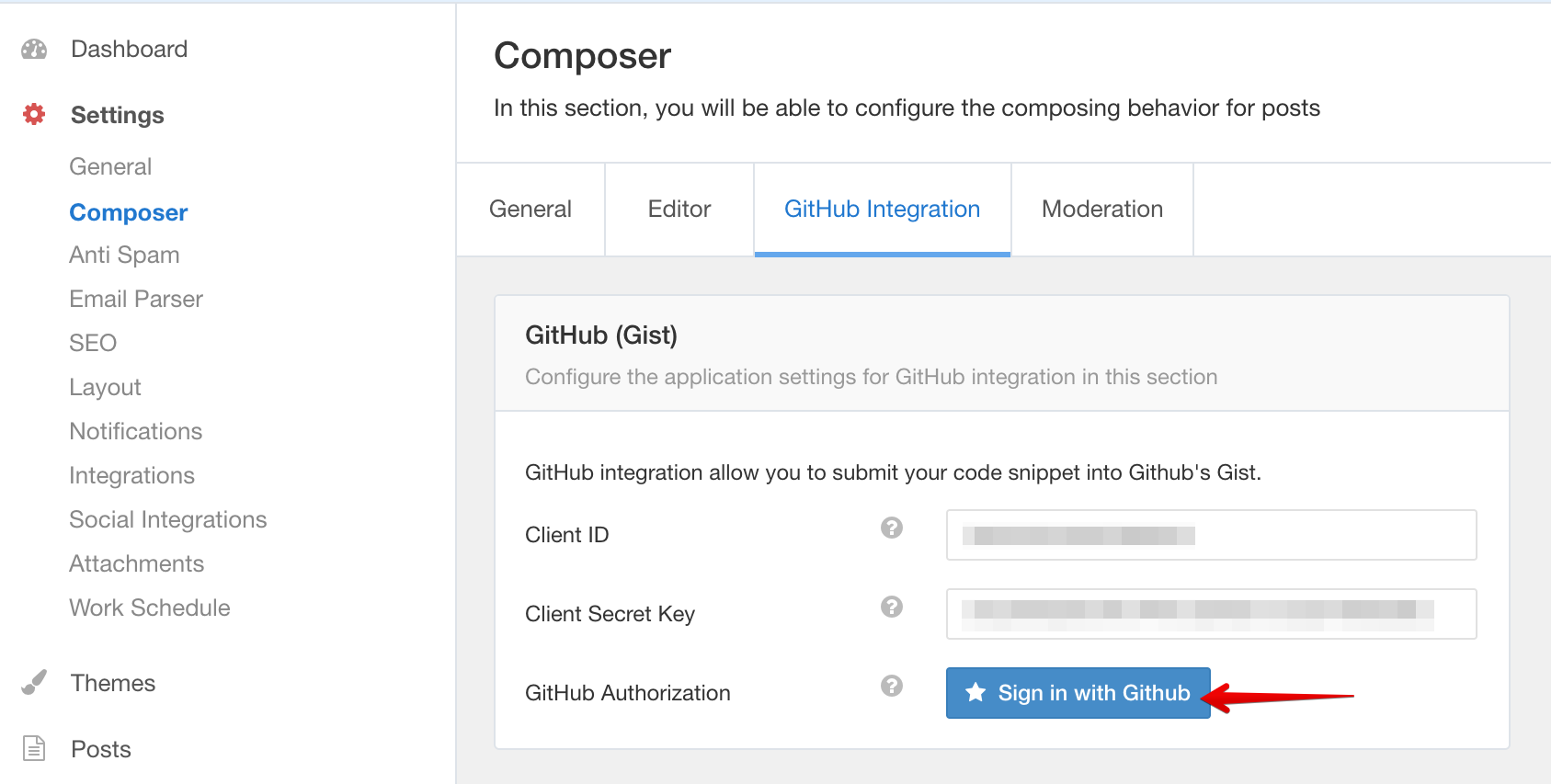

Note: If you entered https url as the Authorization callback URL in the app, the sign in process will only work under that https url.


