Post Cover is pretty similar to a blog image or a primary image.
In order for the image of your blog post to appear on every other section of EasyBlog or on your auto posted sites, you need to ensure that a post cover is associated with your blog post.
To associate a post cover with your blog post, follow the steps below:
Click on the
Post Coverbutton as shown on the screen shot below: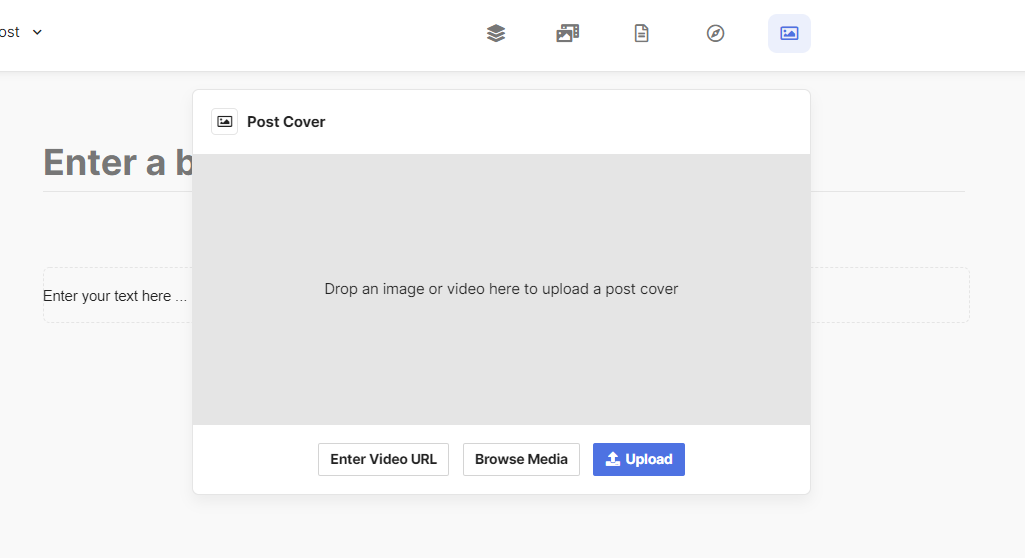
Once the screen drops down, you have the choice of either:

- Upload a new image
- Browse and retrieve an image from the media manager
- Embed a external video by entering its URL. Currently, it supports Youtube, Vimeo, and Twitch only.