Since EasyBlog 5.3, you can now configure EasyBlog to send uploaded images to our image optimization service to compress and resize images. You may
Setting this up is pretty straight forward and you just need to follow the steps below:
Subscribe to the image optimization service if you have not subscribed. After subscribing to the service, you will be able to copy the
API Keyas shown below: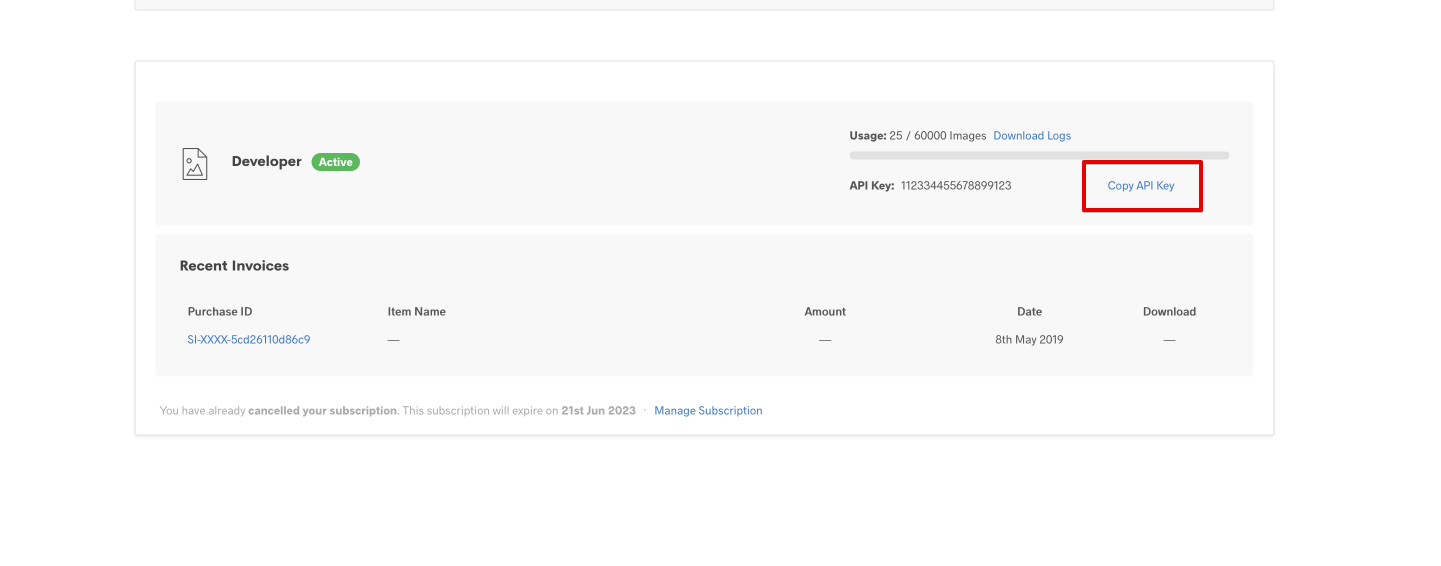
Once you have copied the key, proceed to EasyBlog's settings page and head over to
Settings>Mediaand set the options as shown below:
That's it! All you need to do now is to upload images and they would be optimized automagically.

