GIPHY is integrated with Komento and it allows users on the site to embed the GIFs and Stickers from GIPHY onto their comments easily.
To enable it, do follow the steps below:
Head on to page with your GIPHY account, then creating an app for it by clicking 'Create an App' button. You'll be asked to create a GIPHY account if you don't have one.
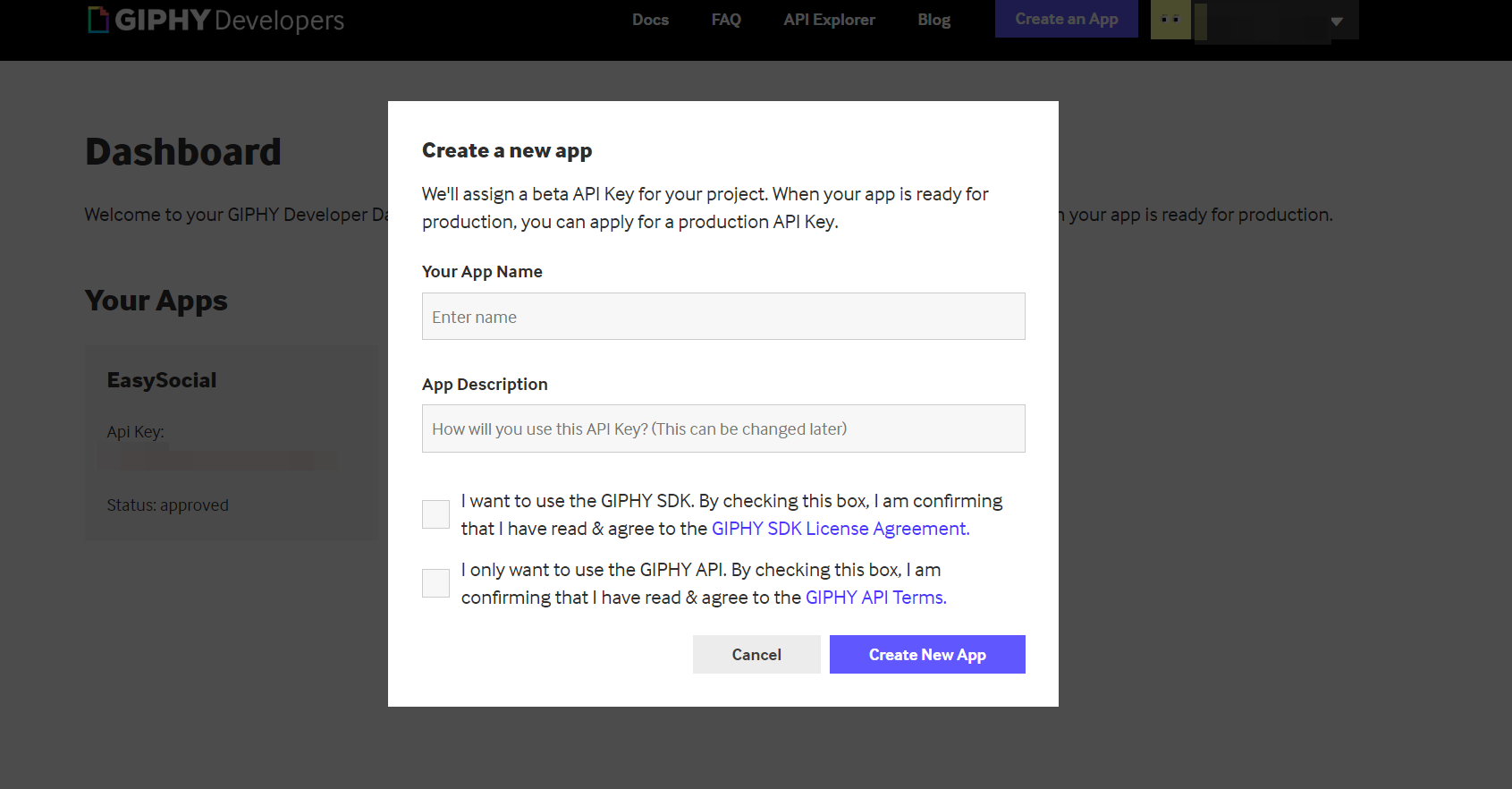
NOTE: You can tick the GIPHY API only for now.
Once you've created an app, you will be given it's very own API key. Head over to
Backend > Komento > Settings > Editor > GIPHY sectionand paste the key at its API Key setting.
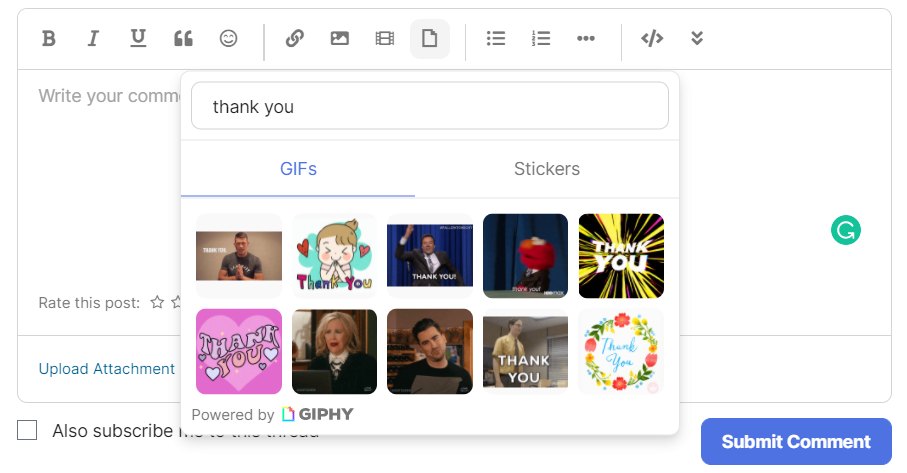
After that, you should be able to browse and select the item of GIPHY on the comment form.


That's it and you are good to go!