Hello Pascal
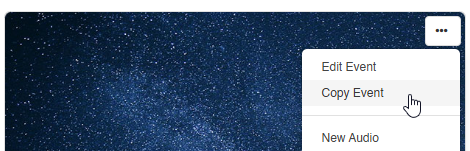
we have encountered an unexpected and problematic behavior with the new Copy Event workflow in EasySocial.
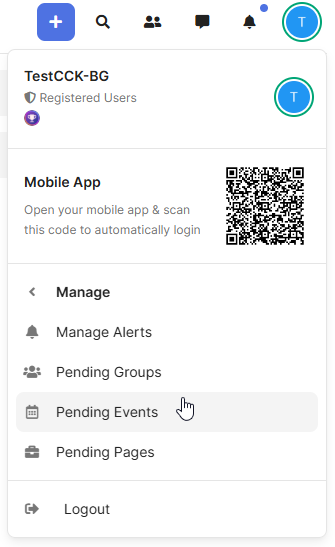
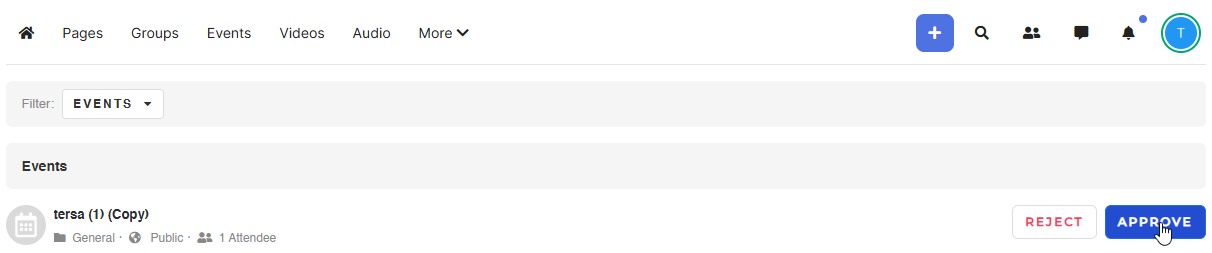
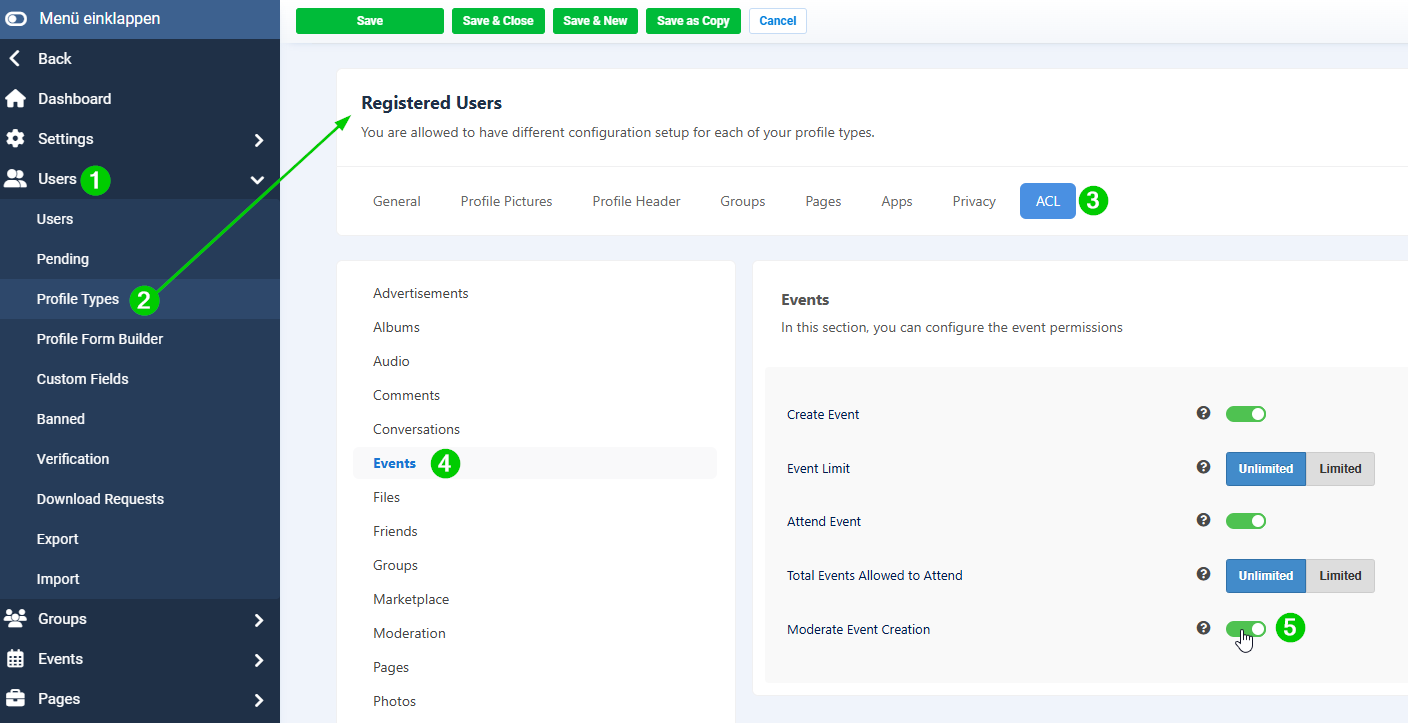
When a user copies an existing event (published or unpublished), the workflow correctly assigns the new event to the status Pending and makes it visible to the administrator in the backend.
However, the copied event does not appear for the event creator on the frontend under Unpublished Events, which prevents the user from editing or updating the copied event before it is submitted for internal approval.
This results in the following issues:
The copied event is immediately placed into the admin’s “Pending events” list, even though the creator has not yet been able to review or adjust the duplicated content.
The event creator has no way to see, edit or save the copied event on the frontend.
This defeats the purpose of the “Copy Event” functionality, because users typically copy an event specifically to avoid re-entering long forms and to make quick adjustments based on an existing event.
Even copying an unpublished event should allow the user to immediately edit it before submitting it for approval.
Expected behavior:
A copied event should appear for the event creator under Unpublished Events on the frontend, allowing them to edit and save the event first. Only after saving should it move into the administrator’s internal review list.
At the moment, the workflow is incomplete and not practical for real-world use, since the event creator loses access to their own copied event.
Could you please confirm our thinking or if additional configuration is required to achieve the expected behavior?
Thank you very much for your support!
Best regards,
Markus
we have encountered an unexpected and problematic behavior with the new Copy Event workflow in EasySocial.
When a user copies an existing event (published or unpublished), the workflow correctly assigns the new event to the status Pending and makes it visible to the administrator in the backend.
However, the copied event does not appear for the event creator on the frontend under Unpublished Events, which prevents the user from editing or updating the copied event before it is submitted for internal approval.
This results in the following issues:
The copied event is immediately placed into the admin’s “Pending events” list, even though the creator has not yet been able to review or adjust the duplicated content.
The event creator has no way to see, edit or save the copied event on the frontend.
This defeats the purpose of the “Copy Event” functionality, because users typically copy an event specifically to avoid re-entering long forms and to make quick adjustments based on an existing event.
Even copying an unpublished event should allow the user to immediately edit it before submitting it for approval.
Expected behavior:
A copied event should appear for the event creator under Unpublished Events on the frontend, allowing them to edit and save the event first. Only after saving should it move into the administrator’s internal review list.
At the moment, the workflow is incomplete and not practical for real-world use, since the event creator loses access to their own copied event.
Could you please confirm our thinking or if additional configuration is required to achieve the expected behavior?
Thank you very much for your support!
Best regards,
Markus