Zum Hauptinhalt springen

#161 JCE editor not loading

Veröffentlicht in ‘EasyBlog’
Dies ist ein öffentliches Ticket

Jeder wird den Inhalt sehen können. Gib keine Benutzernamen, Passwörter oder andere sensible Informationen an.

Letzter Eintrag von mdfavionics am Mittwoch, 18. Februar 2026 00:29 UTC

mdfavionics

Submitted by N8 Solutions on behalf of the client Mark Summary

The EasyBlog post editor is not rendering at all. No WYSIWYG editor loads.

Environment

  • Joomla v5.4.2
  • Component: EasyBlog (recently updated)
  • Joomla default editor: JCE
  • EasyBlog setting: Settings → Editor → Default Editor = “Editor - JCE” (confirmed)

Issue details
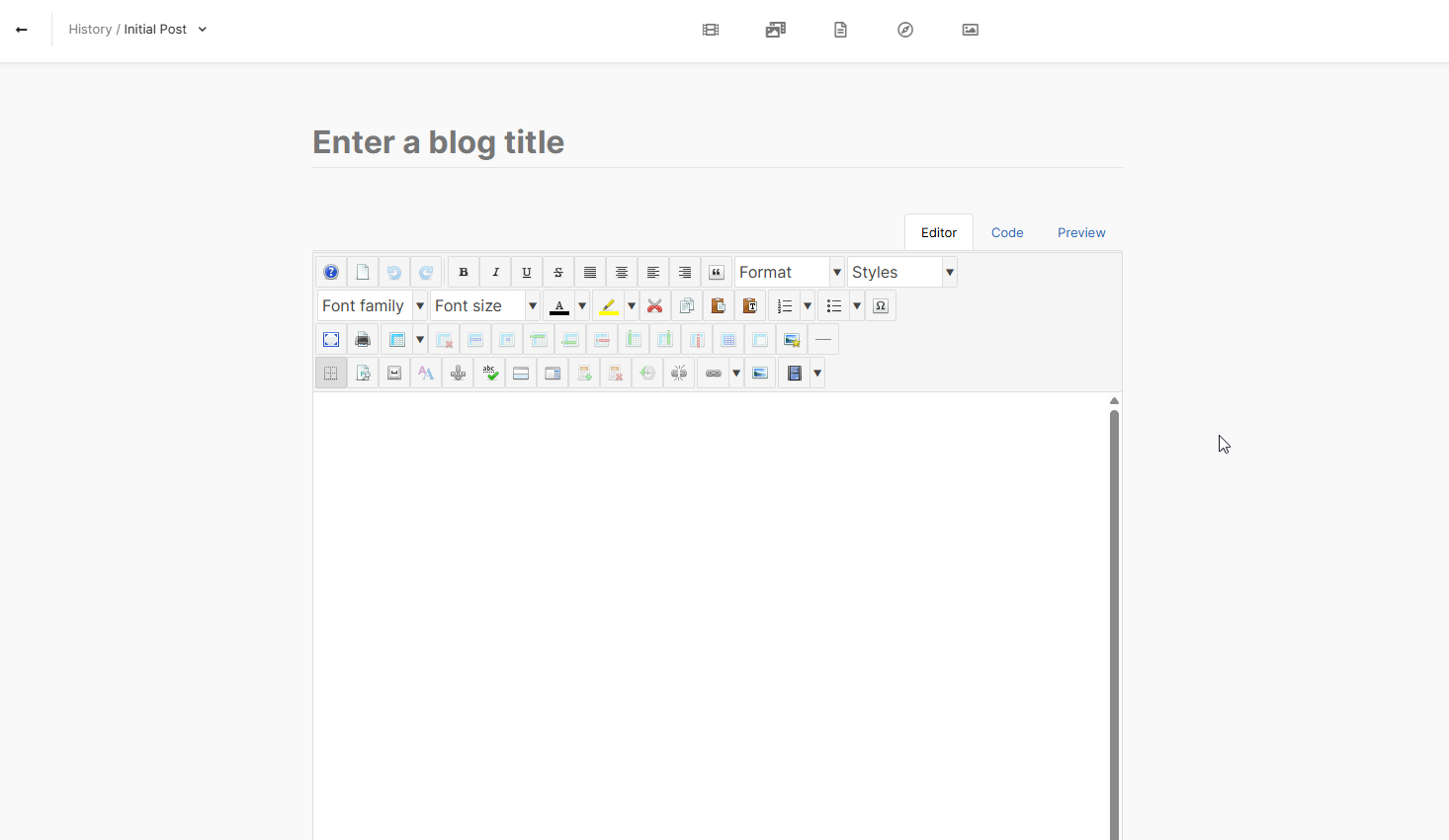
When creating or editing EasyBlog posts, the editor area is blank.
Mark confirmed:
“No editor shows on EB. Even the built in one.”

This is not limited to JCE. The EasyBlog built-in editor/composer also fails to load.

Expected result
EasyBlog should load an editor (either JCE or the built-in composer) in the post create/edit screen.

Actual result
No editor UI loads at all.

Notes
Prior to updating to the latest version of EasyBlog the JCE editor showed when creating or editing a blog post even though EasyBlog’s editor setting is correctly configured.

Request
Please advise:

  1. Is this a known issue in the current EasyBlog build?
  2. Are there any patches/hotfixes or recommended workarounds?
  3. What diagnostics do you need? (Browser console errors, EasyBlog logs, Joomla logs, specific files, etc.)
Mark D Francis

CreativeGraphics Support

Dear Mark

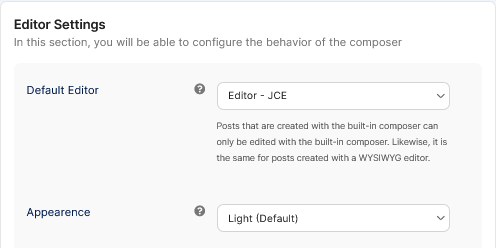
There is no limitation for JCE to work with EasyBlog.

jce-eb.png

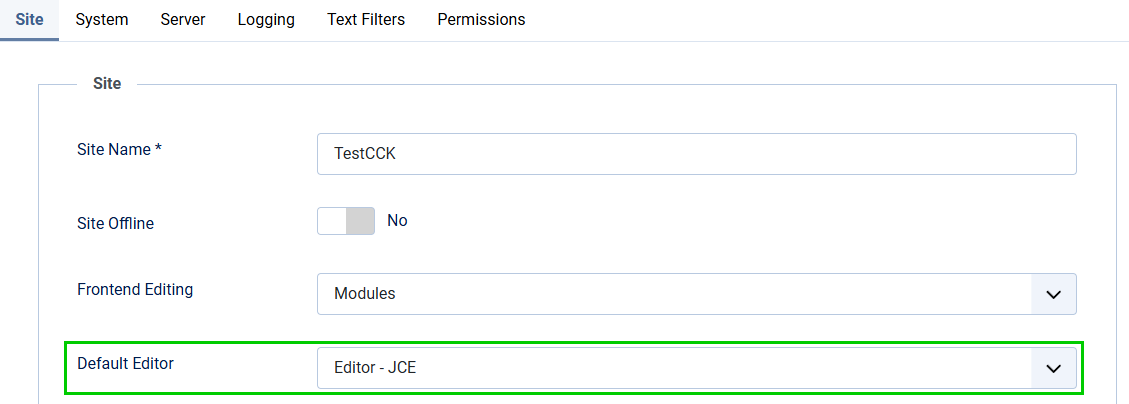
Please make sure to have selected JCE also in the global configuration under "Site/Default Editor":

default-config.png

Please check in your sites extension manager if there is an instance called "EasyBlog composer"

If yes, please uninstall. It is not needed anymore, it is a remain of old EB-installations, which may not have been removed successfully. 
If no, please convert this ticket to "private" and send me a temporary backend login. 

Best regards, Pascal

mdfavionics

Hello Pascal,

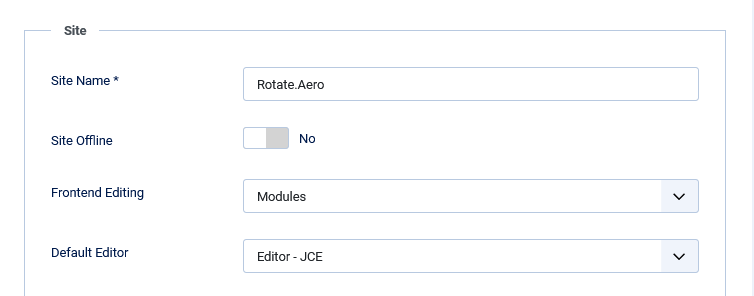
Thank you for the reply. The Default Editor for both Joomla and EasyBlog were already set to use JCE.

easyblog-editor-settings-rotate-aero.png

joomla-global-configuration-default-editor-rotate-aero.png

The extensions "EasyBlog composer" was installed, but even after uninstalling it JCE still does not show when creating a blog post. It's not just JCE, I change the editor to TinyMCE and it doesn't show either, so the issue isn't something specific to JCE.

I am unable to change this ticket to private. I have sent you a private message. Please respond to it when you can.


Kind regards,
N8 Solutions on behalf of the client Mark

Mark D Francis

CreativeGraphics Support

I have fixed it on your site:

  • Cleared all caches (several times)
  • Reconfigured and re-saved EasyBlog editor settings
  • Reconfigured editor settings in Joomla global configuration
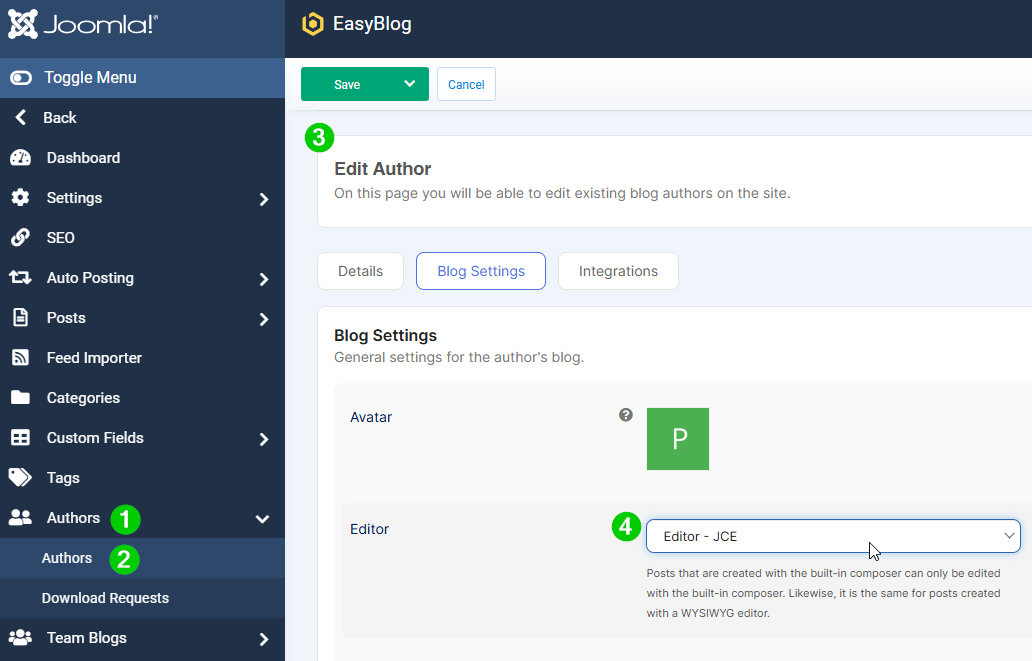
  • Configured editor settings on a per-user basis in EasyBlog / Authors

To do that for the rest of the authors, you need to head to Components / EasyBlog / Authors (1) / Authors (2), then select the author of your choice (3), go to Blog Settings and configure the editor of your choice. 
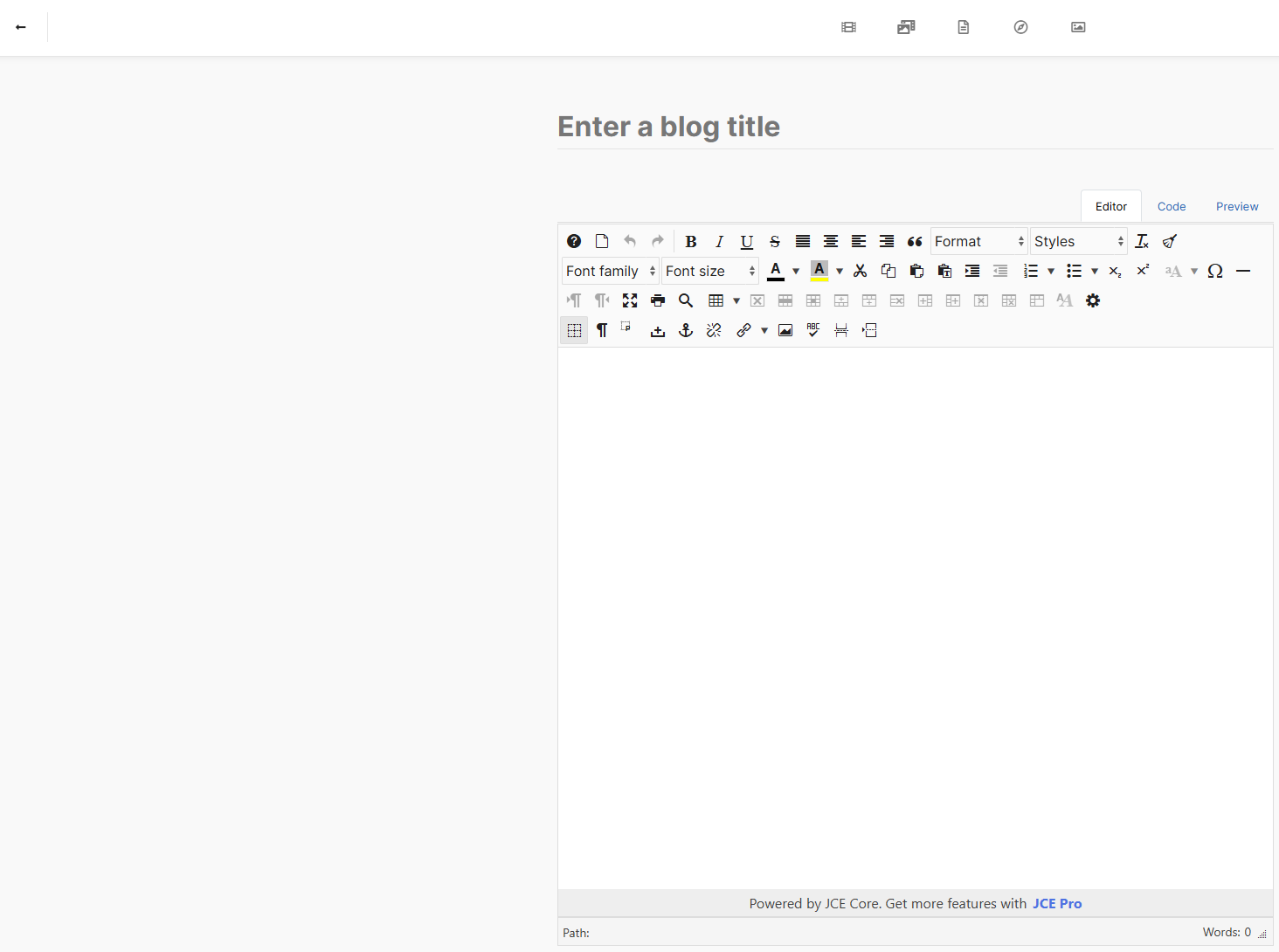
Save and close (and then clear the cache/s on the site and in your browser) and it will work without issues (see second screenshot).

editor-per-author.png

author-config.png

Best regards, Pascal

mdfavionics

Thanks for all the help.

Everything is working well.

Mark D Francis