EasyBlog Panel Block
The missing nestable composer-block
The colors
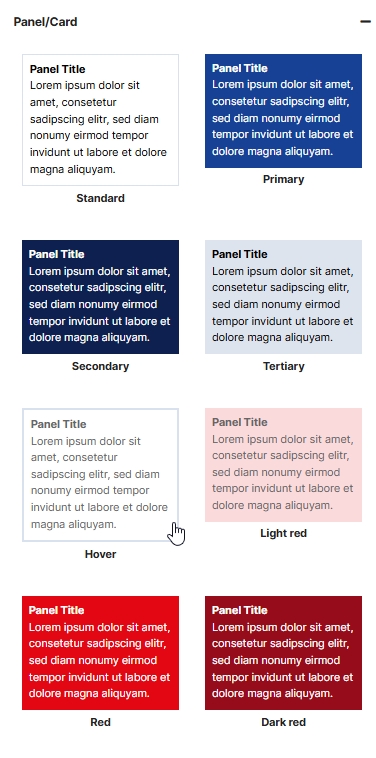
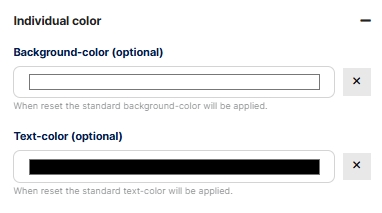
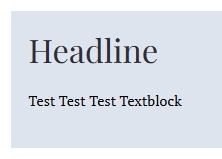
The background color of the panel can be freely selected. If it is set in the “Individual color” section, the color of the basic style is overwritten and the individual color is applied. There is a reset button to the right of the color picker. If the individual color selection is reset (by clicking on the reset button), the panel reappears in the color of the selected style. The same applies to the text color setting.
The Padding
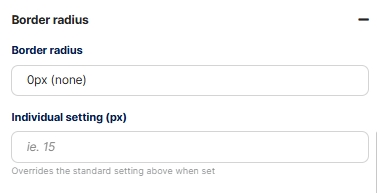
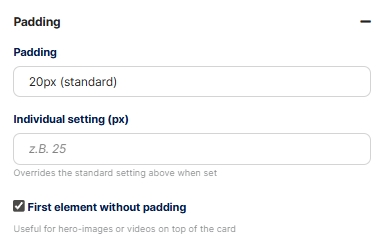
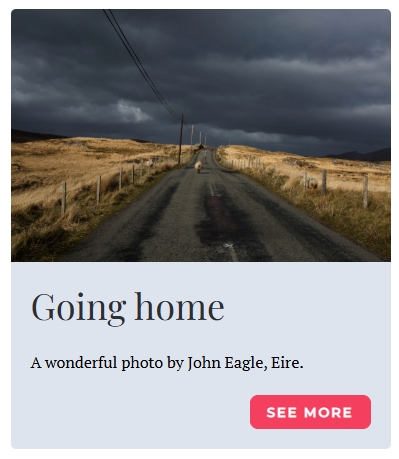
The inner spacing (padding) has the default settings 0px, 10px, 15px, 20px, 30px, and 40px. As with the corner style, individual values are possible. If the individual value is set, the value selected under “Padding” is overwritten.
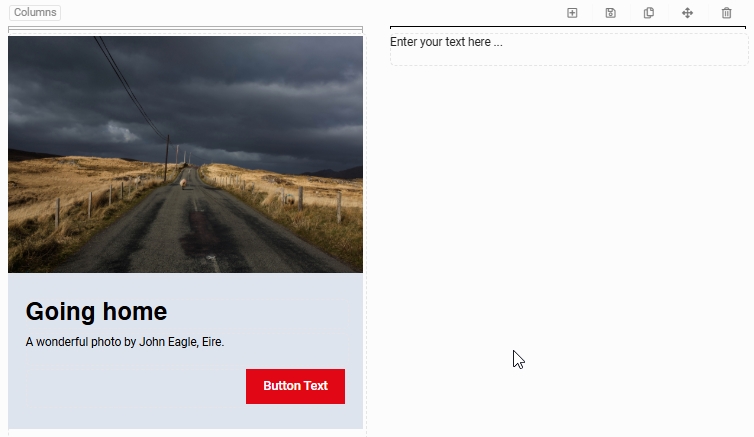
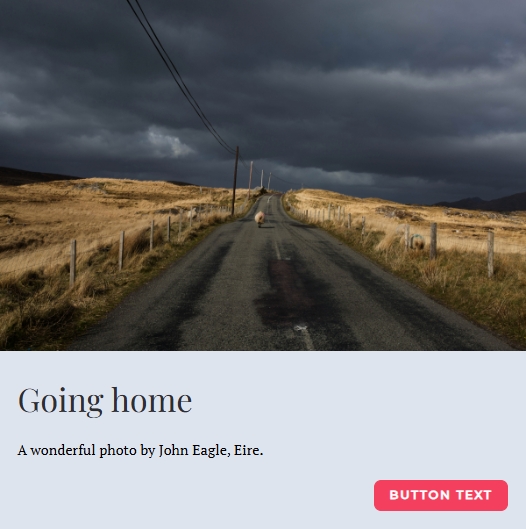
To place “Hero” photos or videos at the very top of the panel without padding, there is a setting called “First element without padding”. If this checkbox is activated, the padding is removed from the first element in the panel.
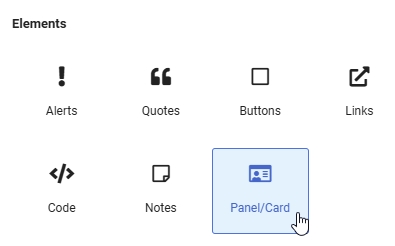
The basic functions
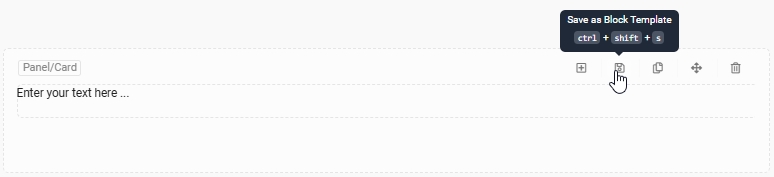
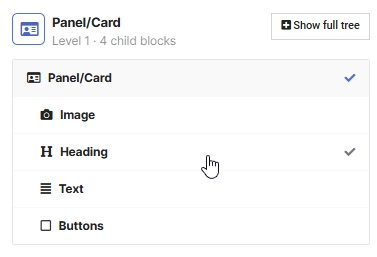
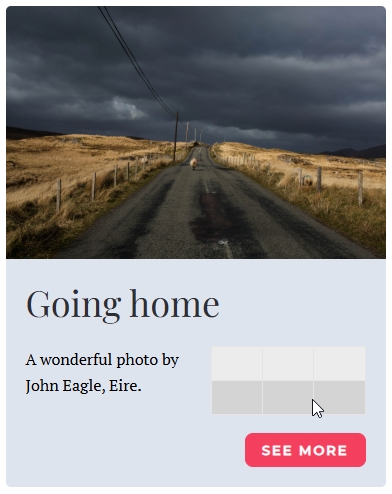
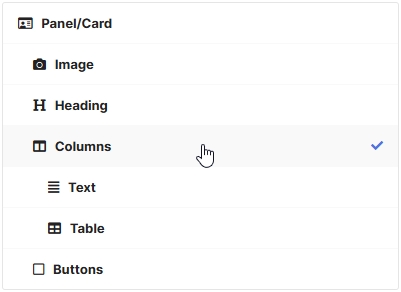
Like any Composer block, the Panel block can be moved, saved as a block template, duplicated, or deleted. Since the Panel block is a nestable block, an unlimited number of additional elements (blocks) can be integrated. This is done by clicking on the plus button in the block or by placing any element within the Panel block.