Revision of the mail logic
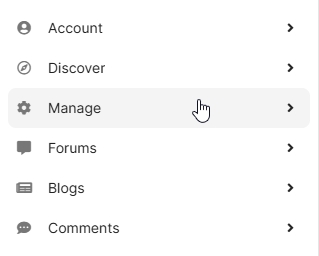
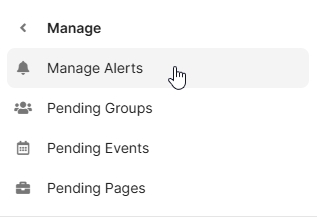
In EasySocial version 1.4.4, the logic for notifications has been adjusted. Now, in the settings under “Manage / Manage Alerts,” users have the option to deactivate all emails with a single click.
The “main switch” has the following properties:
- It reads the settings for all messages (enabled/disabled)
- It creates a backup of these settings
- It disables all notifications
- No messages are created or added to the queue.
When the main switch is turned back on, the following happens:
- The backup is read back
- The flags for the individual messages are set correctly again
- Messages are generated again/added to the queue
When emails are deactivated, a message is displayed below. All messages can still be activated/deactivated separately; the main switch “recognizes” whether individual messages have been reactivated.

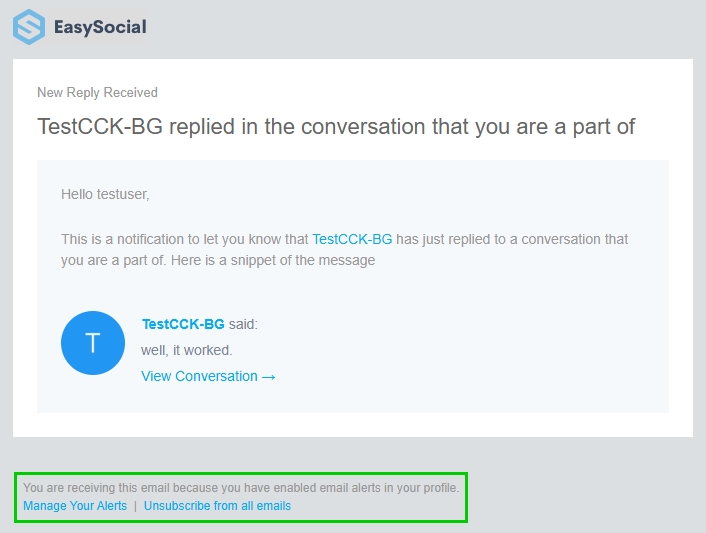
New: Every standard message (except for extensions, if applicable) now contains a footer with links to:
- Message management
- Direct link to trigger the master switch
The user must be logged in.